
Plug in. Update. Play.
Copy videos and images to a USB drive, insert it into your Android display, and SmartPlay automatically imports and plays them.
- No internet required
- Automatic import
- Images + videos
- Continuous loop
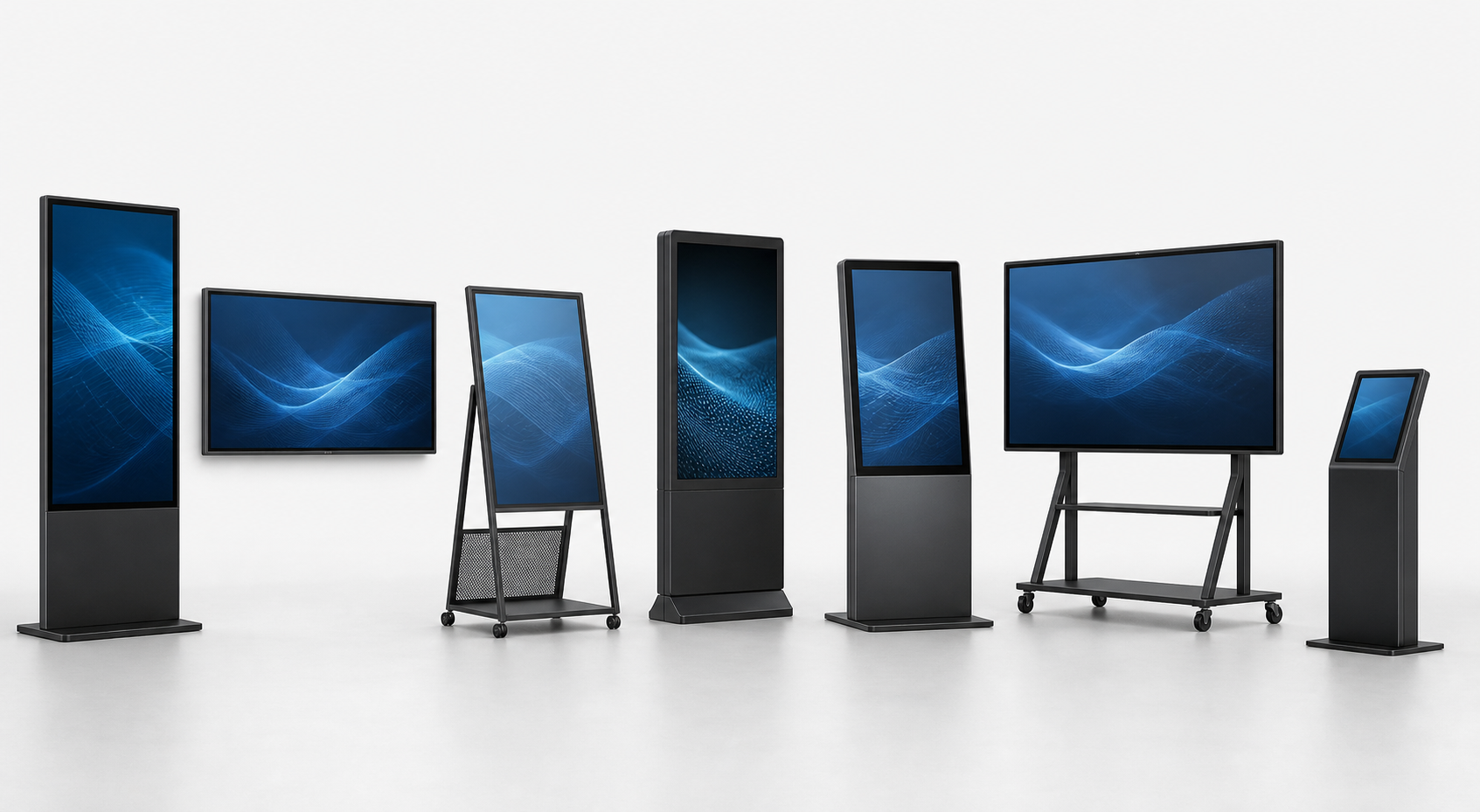
SmartPlay makes digital signage simple. Update your Android LCD screens by USB, from your phone, or remotely through the cloud.
No credit card required
From one screen to a whole network, use the workflow that fits your day.
Copy videos and images to a USB drive, insert it into your Android display, and SmartPlay automatically imports and plays them.
Upload media, build playlists, schedule content, and publish remotely through SmartPlay Cloud.
Choose a screen, select a photo or video, and publish in seconds—right from the device already in your hand.
A clear path from upload to reliable playback—without technical complexity.
Install SmartPlay Player, then pair the display with a QR or device code.
Add videos, images, menus, promotions, announcements, or ads.
Choose one screen, multiple displays, or an entire screen group.
Content downloads and starts playing automatically from local storage.
SmartPlay stores published content locally on the Android display, so playback continues even if the connection is interrupted.
▶ Main Promotion
▶ Lunch Menu
▶ Product Promotion
▶ Welcome
Monitor, organize, and update your entire digital signage network from one place.
Actual SmartPlay customer dashboard interface with sample screen data.
Simple controls for day-to-day publishing. Powerful tools when your network grows.
Upload and organize videos and images.
Create, arrange, and update content playlists.
Choose exactly when content should play.
Publish to multiple displays together.
Keep content running without internet.
See which screens are online or offline.
Verify what is showing from anywhere.
Support both screen orientations.
Resume SmartPlay when the display powers on.
Monitor storage, connection, and app status.
Control who can manage your screens.
Keep a record of content playback history.
Make information timely, useful, and easy to update across every customer and employee touchpoint.
Promotions, launches, pricing, and campaigns.
Digital menus, specials, and seasonal offers.
Welcome messages, guest information, and events.
Announcements, dashboards, and team updates.
Schedules, events, and campus information.
Patient information and announcements.
Services, promotions, and customer information.
Coordinate advertising across many locations.
Turn compatible Android LCD displays into centrally managed digital signage without requiring a separate PC.
Start with the way you work today, then grow when your network does.
No final commercial pricing is shown. Talk to us for a plan matched to your screen network.
Open your SmartPlay dashboard to upload media, build playlists, pair Android displays, publish content, and monitor playback.
Still curious? Talk to our team.
SmartPlay is an Android-first digital signage platform for publishing videos, images, menus, promotions, and announcements to your displays.
SmartPlay is designed for compatible Android LCD digital signage displays. Confirm your Android version and hardware specifications with our team before deployment.
Yes. Use USB mode without internet, or use locally cached cloud content so playback continues during a connection interruption.
Copy supported images and videos to a USB drive, connect it to the display, and SmartPlay imports the media for continuous local playback.
Yes. SmartPlay Cloud lets you organize individual displays and screen groups from one dashboard.
Yes. Select a screen, choose media from your camera or gallery, and publish from your phone.
Yes. SmartPlay supports both portrait and landscape display orientations.
Published content stays stored on the Android display and continues playing. SmartPlay reconnects and synchronizes when the connection returns.
Start managing your digital signage with SmartPlay.
USB. Cloud. Mobile. One simple platform.